You Need Help ? Contact Us
Email:- [email protected] Timing:-9AM - 5PM, Everyday
Help & FAQ | How to post a job
› How to post a Job? (Registered users)
Job postings on NaukriApp.in are allowed only for registered companies and authorized representatives (HR, Owner, or Partner). Consultancies or unauthorized individuals are strictly prohibited from posting jobs. To post a job, you must first complete your company profile registration on NaukriApp.in. The detailed job posting process is outlined below.
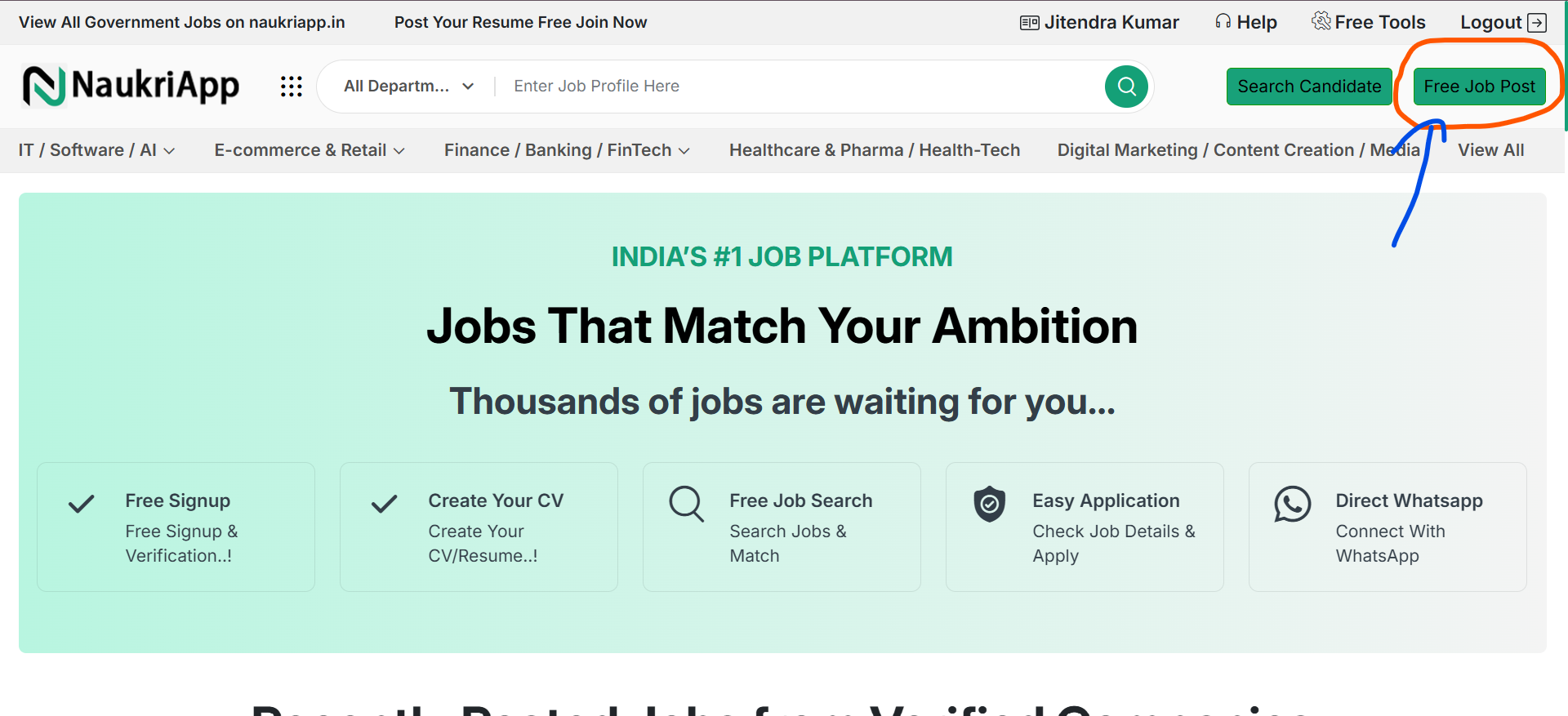
To create a new job posting, simply click the ‘Free Job Post’ button available on the homepage or through the mobile navigation menu.
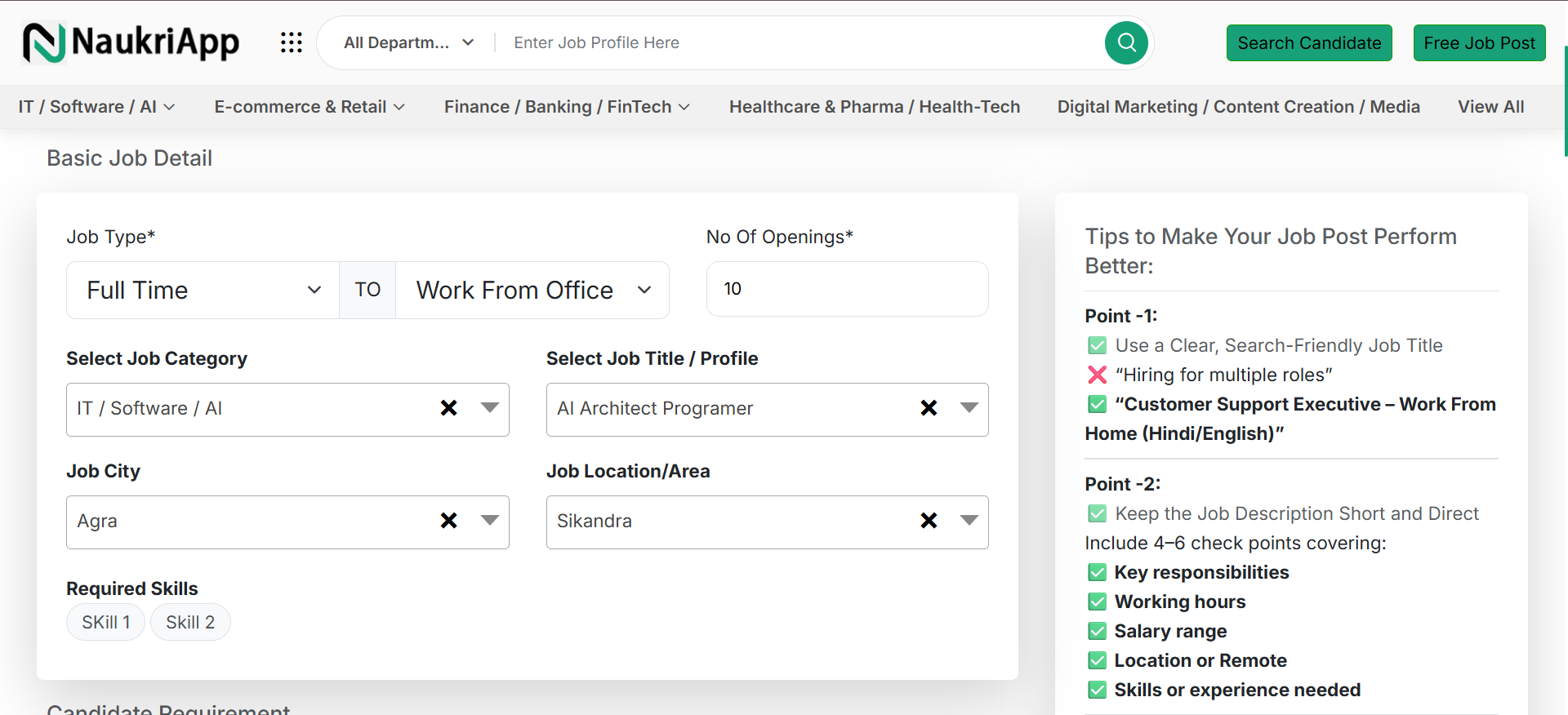
After click free job post button you will see job posting form. this form will take lessthen a 2 minutes to posting your jobs. First you fill basic job details as per form requirments.
Note:Please ensure that all information provided matches your actual hiring requirements. Submitting false or misleading details may result in your job post being rejected.
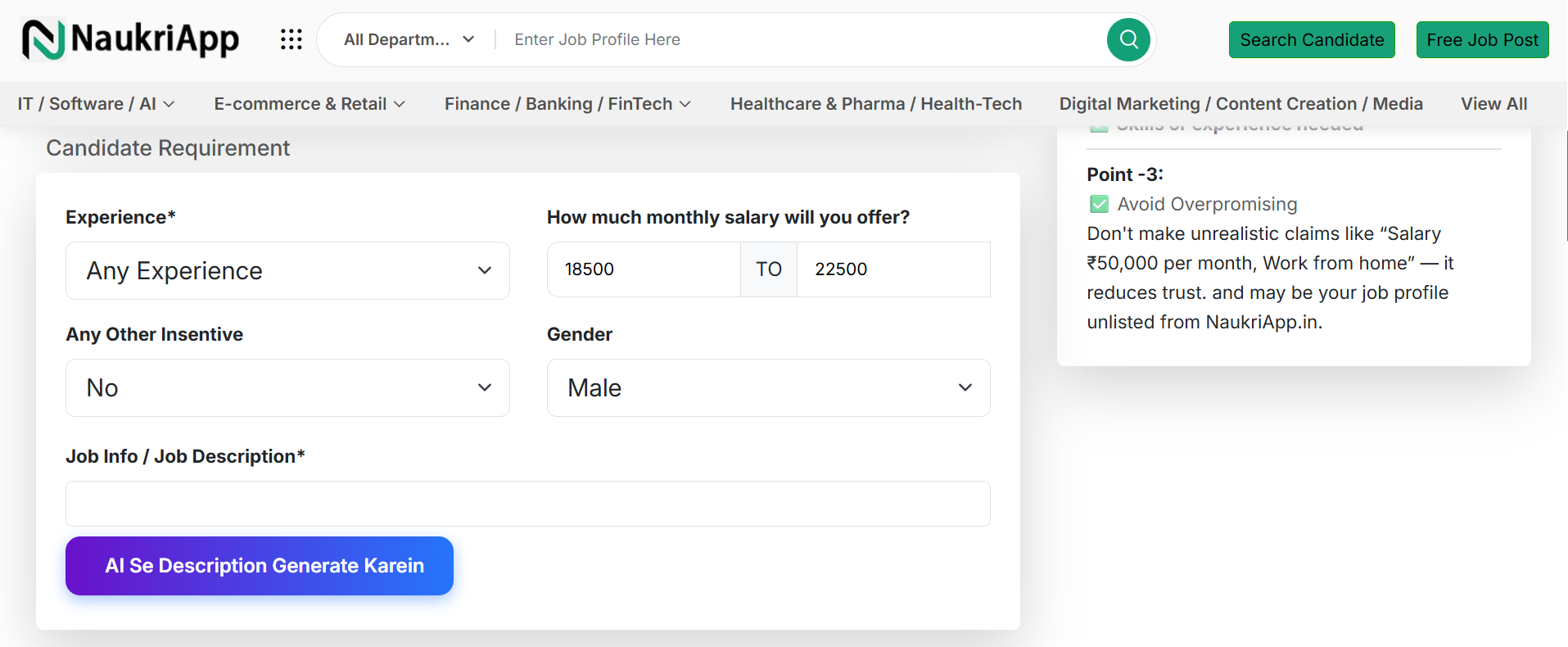
Step 2: Enter the candidate requirement details, including experience and salary package. You may also generate a job description using AI.
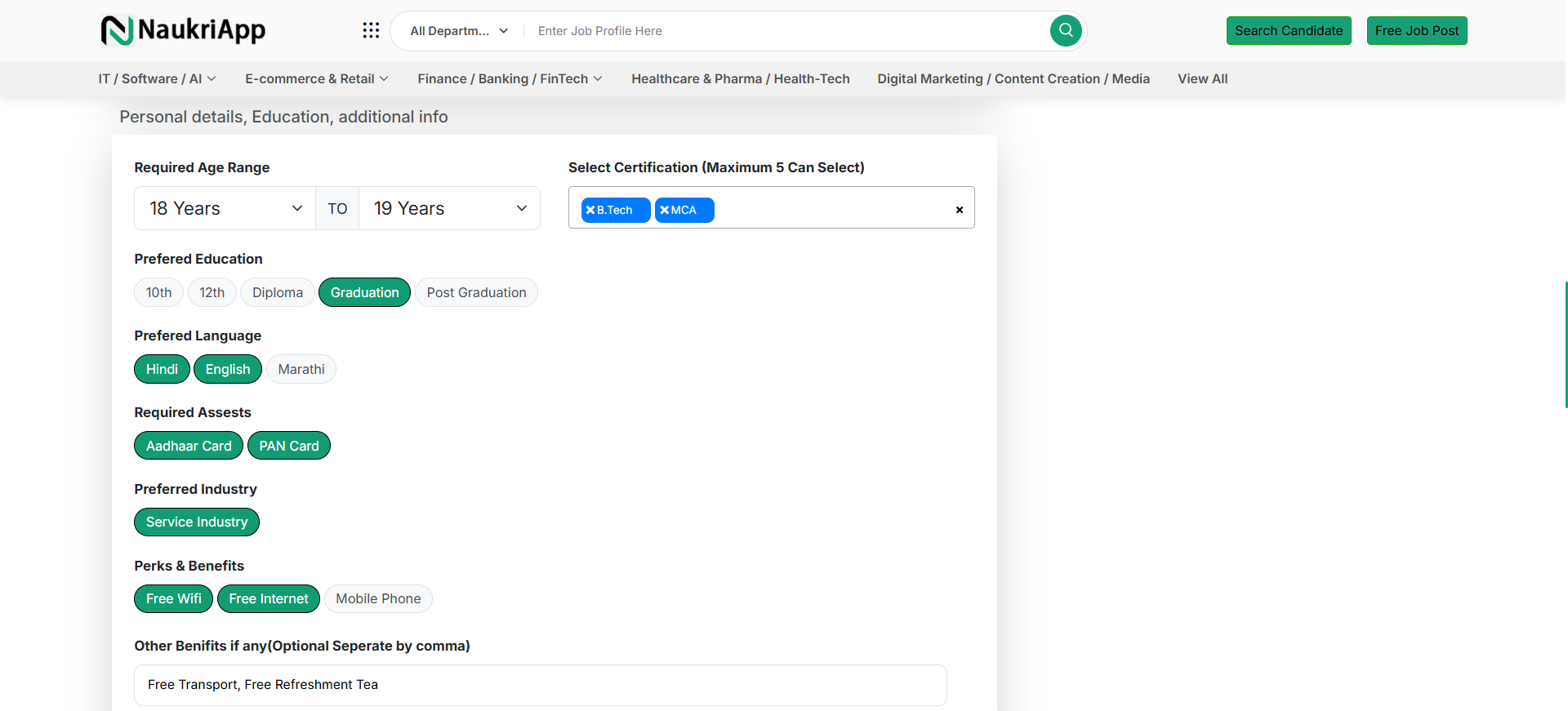
Step 3: Provide the candidate’s personal and professional details, such as age, certifications, education level, and language proficiency.
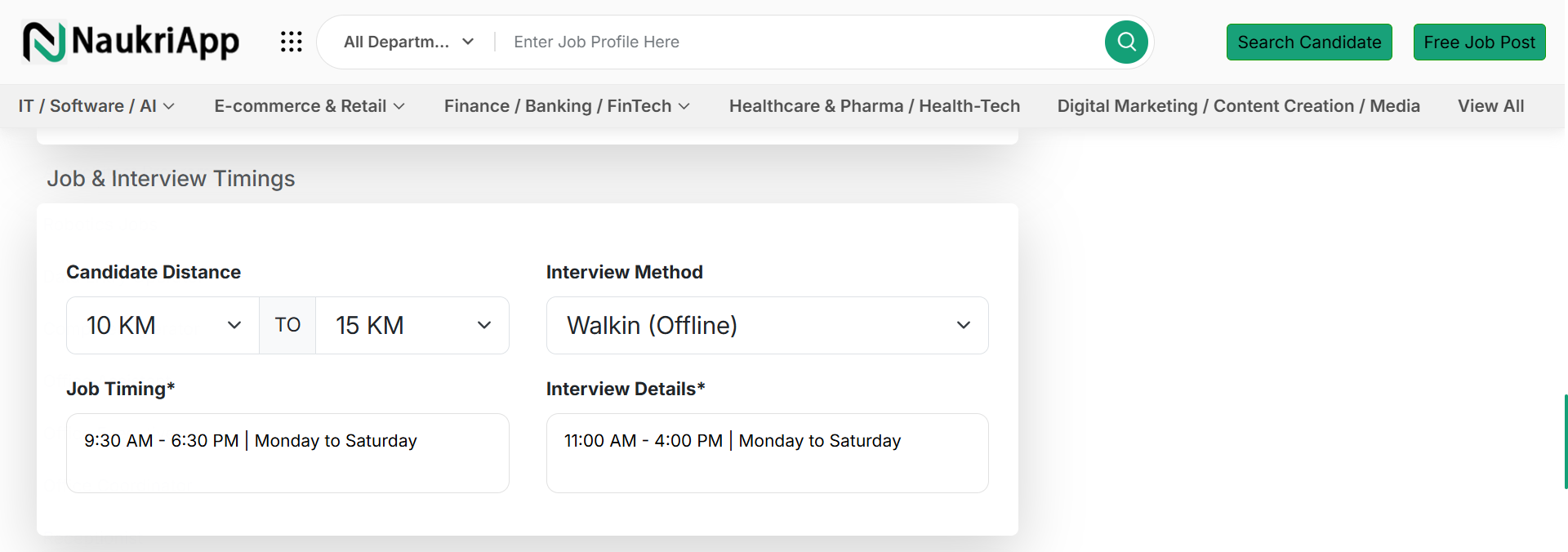
Step 4: Enter the job and interview details, including job timings, interview schedule, candidate location/distance, and interview methods.
Step 5: Review your company details and update them if necessary. The company information is pre-filled from the time of registration, but you may edit it if any changes are required for the job posting or interview.
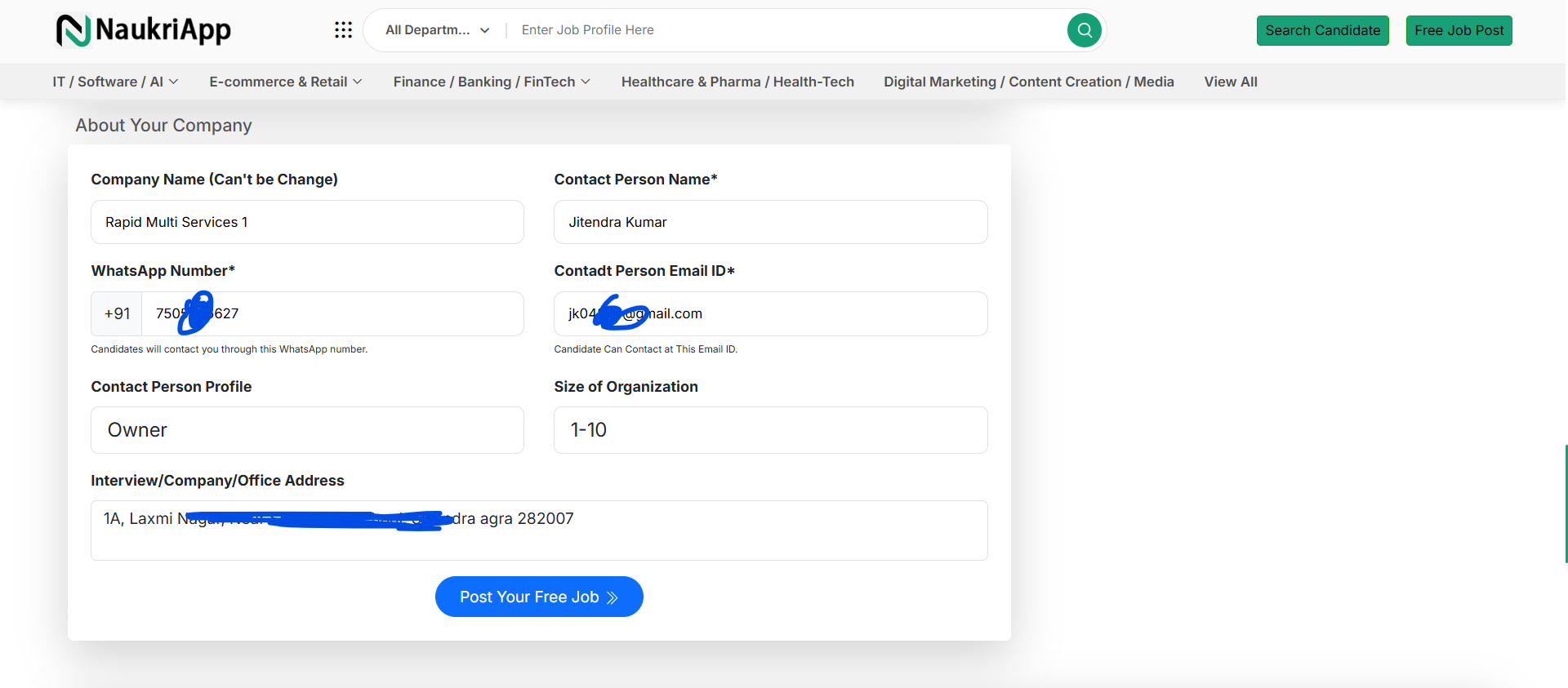
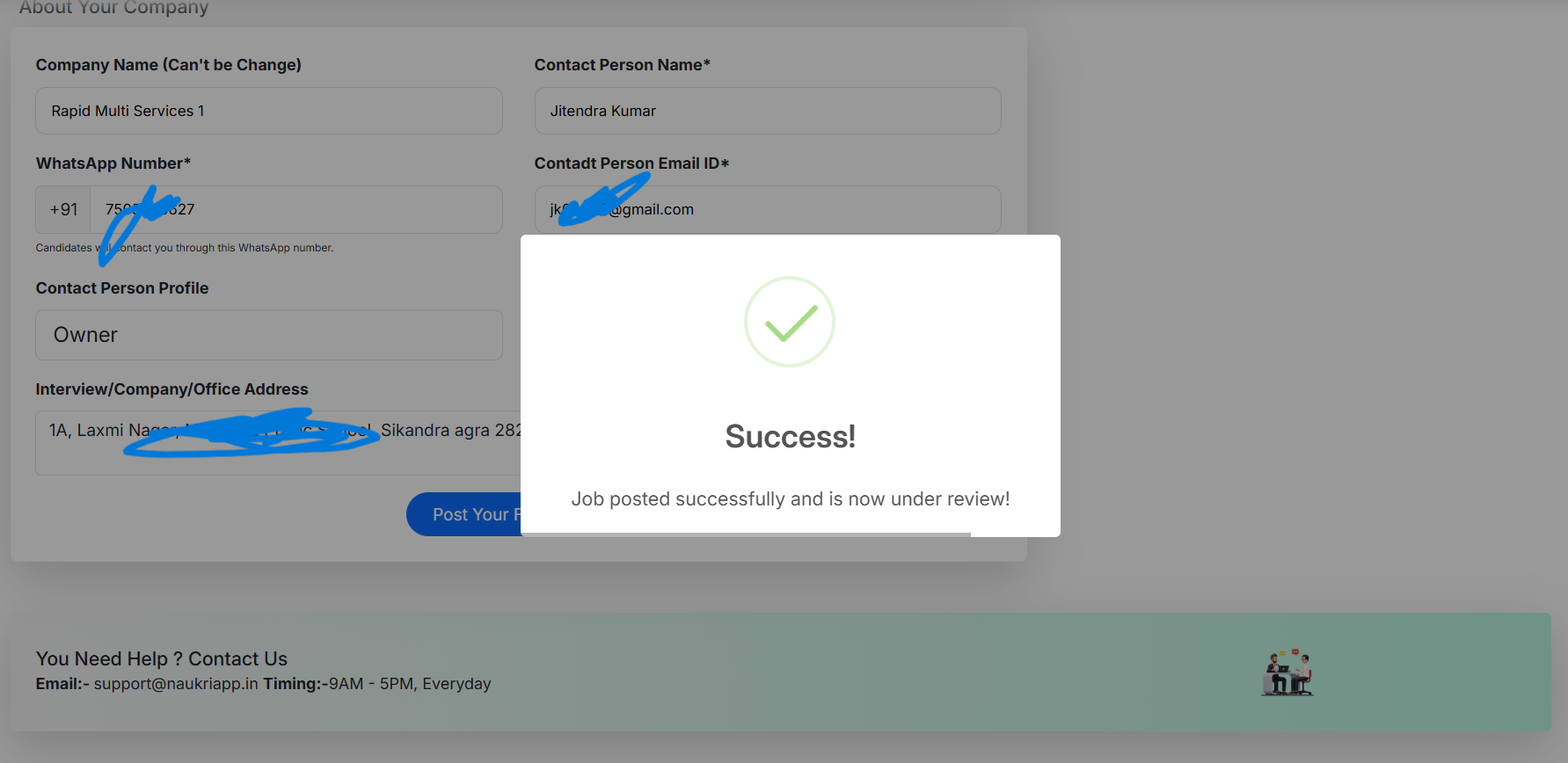
Step 6: Click on the ‘Post Your Free Job’ button. A success message will appear, and your job posting will be forwarded to the NaukriApp team for review. Please note, if the job does not comply with our guidelines, it may be rejected.